
Hi there,
First of all, thanks for visiting the Old School Game Blog. 🙂
Recently, I’ve been looking a bit into AROS. My knowledge of this operating system is limited. What I learned many years ago is mostly forgotten, but in a way, that makes it more fun to experiment with it. 😉 Anyway, some of you are probably wondering what AROS is, so here is a quick explanation:
AROS is a lightweight, efficient, and flexible open-source operating system. It is an independent, portable, and free project, which aims to be compatible with AmigaOS at the API level. Most AROS distributions run on x86-based computers. Versions also exist for Motorola 68K and PowerPC as well. The ApolloOS for the Vampire was built on AROS.
In contrast to MorphOS and AmigaOS 4, you don’t have to pay to use it. Hardware is also readily available. Whether you would like to use it on a desktop PC, laptop, or virtually on your main system through VMWare, the choice is yours. As mentioned above, versions also exists for 68K systems and PPC.
Dan Wood published a video on his YouTube channel about a year ago. It was called “Is AROS The Future of Amiga?”. Here Dan Wood guides you through the installation of Icaros Desktop, an AROS distribution by Paolo Besser. I highly recommend you watch it if you want to learn more about AROS. In the video, Dan Wood launches the idea that AROS might have the best long-term chance of the future, and that strangely enough, AROS has been least talked about compared to the other options, AmigaOS 4 and MorphOS. This is despite being free, available, and compatible with a wide range of cheap hardware. I’m certainly guilty of this myself since I have spent countless hours writing about AmigaOS 4 on my other blog. 😉
Maybe it is time to give AROS a fair chance. What do you think? I’d love to hear your thoughts below. 🙂 I’ll certainly do this.
During the weekend, I had a look at two distributions. AROS One 2.3 and TinyAROS. The first ones come packed to the brim with applications and games, while the latter is more of a clean install. For those who like to customize their setup from scratch, TinyAROS is a good choice. Others who enjoy a pre-built setup where you can “plug and play” should go for AROS One.
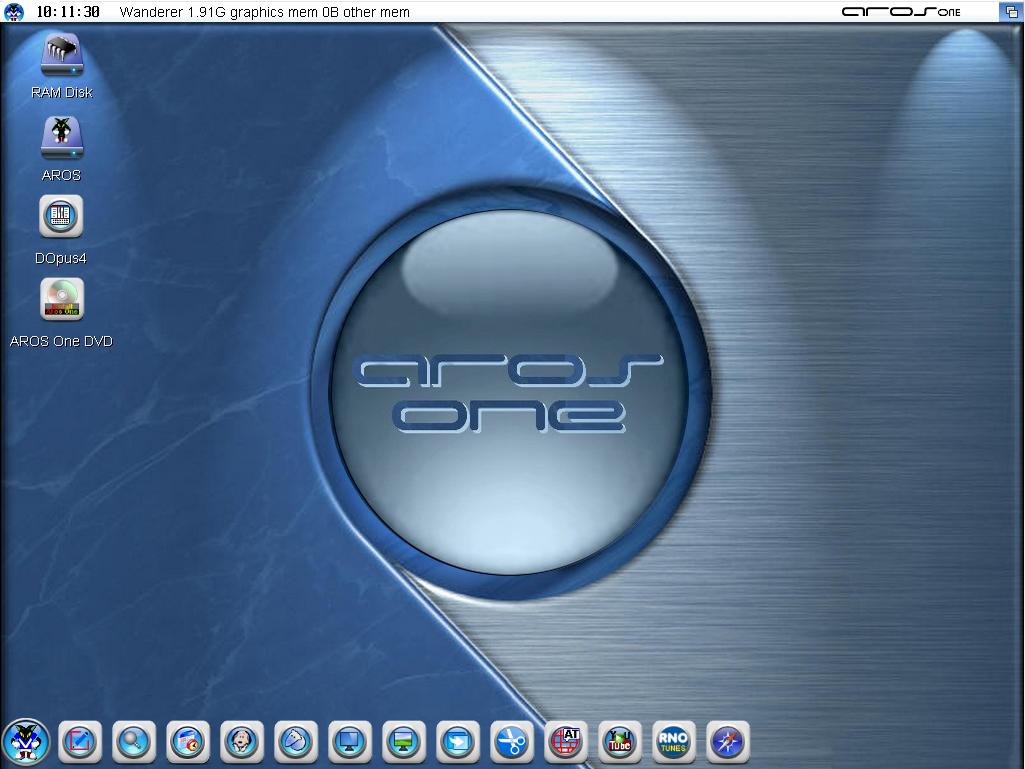
My experience with AROS One was very positive. You burn it to a blank optical disk, put it in the drive, and the installation will guide you through the necessary steps. Once done, you can reboot and start exploring right away. By the way, the Internet is good to go with OWB. 😉

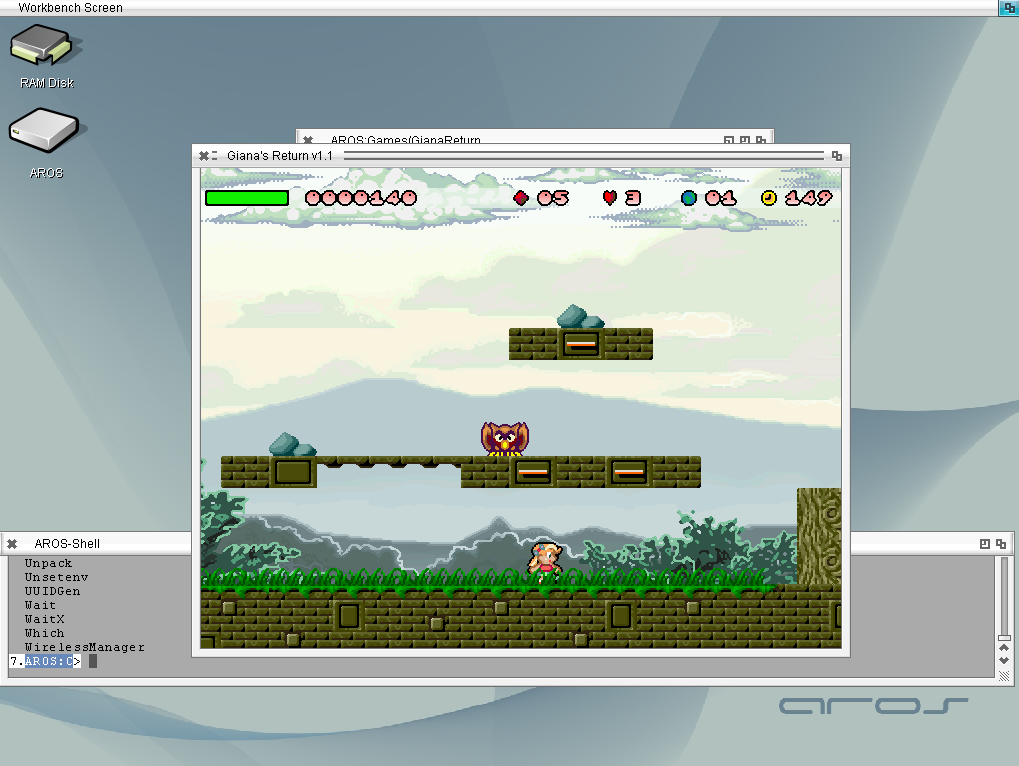
TinyAROS is also straightforward to install, but you’ll need to add software. You can find additional packages on the website containing games, music, and applications. TinyAROS is, as the name implies, tiny, but the advantage is, as mentioned earlier, that you get the freedom to customize your own personal setup.
If you’d like to check them out, here are the links to the sites:
A new version of TinyAROS was released this weekend. Get it while it is hot. 🙂
I also recommend visiting AROSWorld. It contains a discussion forum, links, and information about the OS.
That was all for this time. Thanks for visiting my blog and for reading this post. I hope this might have sparked your curiosity of checking out AROS.
I wish you all a nice day!
Best regards,
Puni / AmigaOldskooler
 Old School Game Blog