
Hi,
Thanks for visiting the Old School Game Blog. 🙂
Today, I will write about a pinball game that exists for AmigaOS 4. The name will probably be familiar to many of you, but in connection with the Microsoft Plus! 95 bundle or perhaps as being included in Windows 2000 or Windows XP. We are talking about Space Cadet.

This game was developed by Cinematronics and published by Maxis in 1995. It was part of a bundle consisting of three games, Space Cadet, Skullduggery, and Dragon’s Keep.
The last version of Windows to include the game was Windows XP.
Many years later, the game also found its way into the Amiga community through the port to MorphOS by BeWorld. Not long after, it appeared on AmigaOS 4 too, thanks to the porting done by Ryan Dixon! On September 1st, 2022, version 1.3 was uploaded to OS4Depot.
The port is based on these projects:
https://github.com/k4zmu2a/SpaceCadetPinball
http://www.xenosoft.de/space-cadet-pinball-2.0-linux.powerpc.tar.gz
If there is one genre of games AmigaOS 4 has been lacking, it is pinball. This is my personal opinion of course, but the Amiga has a great tradition of excellent pinball games, such as Pinball Dreams and SlamTilt. One can play these through RunInUAE straight from the desktop, but it is not the same as a native game. I’m therefore thankful for Ryan Dixon’s work in porting it to the platform.
Download and Installation
This review is based on me playing it on my Sam460LE computer with the latest version of AmigaOS 4.1 Final Edition with all updates. The game runs smoothly on my setup, but your experience may vary depending on what you run it on.
Space Cadet is available to download from OS4Depot:
http://os4depot.net/?function=showfile&file=game/action/spacecadetpinball.lha
After you’ve downloaded it, head over to where you saved the file, right-click on it, and choose either “Extract here” or “Extract to” depending on where you want the game to be stored.

Once that is done, head over to the appropriate drawer and double-click on the icon that looks like a pinball. 🙂 The game will start straight away.
Options
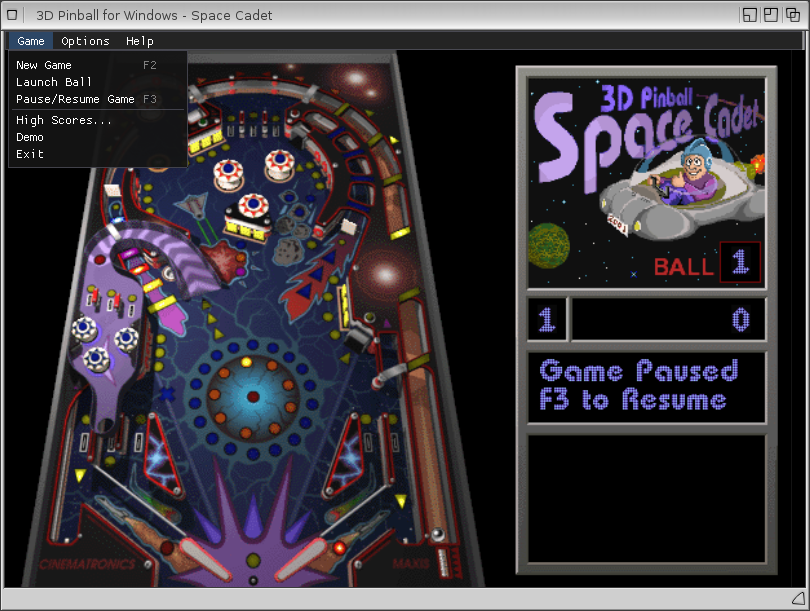
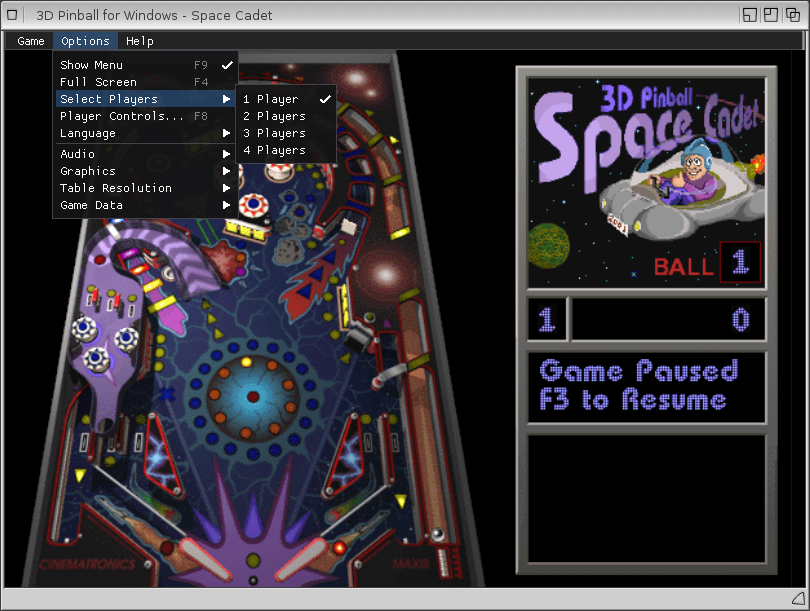
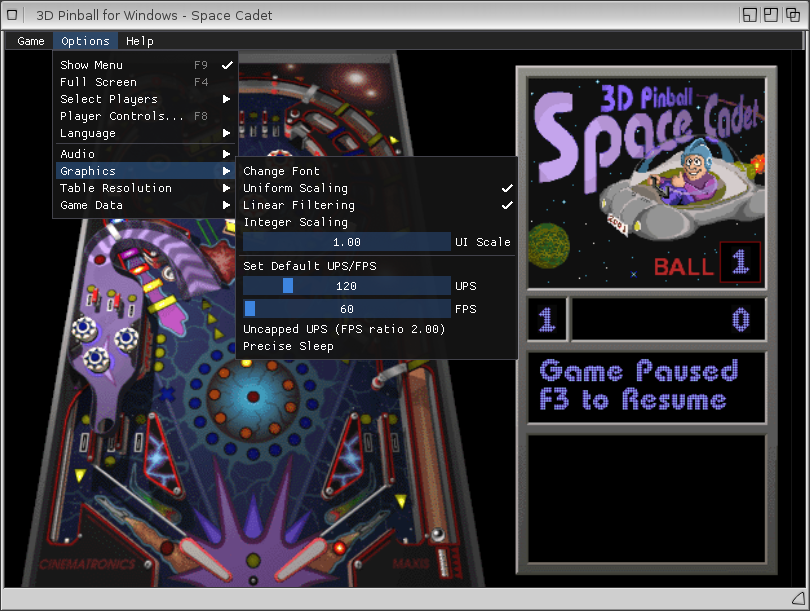
Here is a quick overview of some the options:
Space Cadet Gameplay
What is Space Cadet all about, and is it any fun?
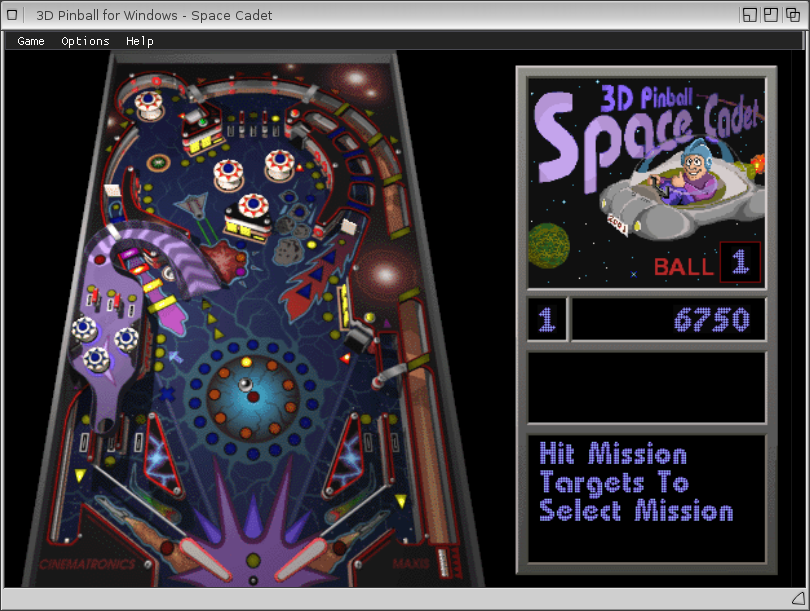
You, as a player, are a member of a space force and you have to complete missions to increase your rank from Cadet up to Fleet Admiral. Players can accept a mission by hitting specific targets. The difficulty of the missions varies. One of the easier ones is hitting the attack bumpers eight times. That mission is called Target Practice.

A more difficult one is Space Radiation, which requires lighting all three left-hazard target lights and then entering a wormhole. A list of the different missions can be found here.
One can safely say that there are a lot of challenges in Space Cadet, and you’ll need a lot of practice to complete them all. 🙂
Besides missions, there are regular features such as upgrading bumpers to make them provide more points and so forth. Exploring the possibilities in the game is fun, and it is rewarding to feel that you are making progress. The ultimate goal is completing all the missions and of course getting the highest score possible!
As for graphics and sound, I’d say they have stood the test of time. It is, of course, not as advanced and polished as new boards from Pinball FX3, but keep in mind that Space Cadet is a title from back in the 1990’s. Now, how does this version compare to the old one on Windows? I’m going by my memory here, and I can’t remember it being different from the AmigaOS 4 version. I would say it plays more or less the same.
All in all, I’m happy that we have Space Cadet on AmigaOS 4. It is a fun pinball game and it runs beautifully on the Sam460LE. I like having it running in a window on the desktop. Looks great that way! 🙂 It is fun to play and I will be revisiting it from time to time in the future for my pinball fix.
Shortly, I think we will arrange a Space Cadet competition on Amigans.net, so stay tuned for that if you want to test your skills against other AmigaOS 4 users. 😉
That was all for now. Hope you enjoyed this review and that you will give it a try if you haven’t done it already. Take care! See you in another post here on the Old School Game Blog!
 Old School Game Blog