
Hi everyone,
Hope all is well. Thanks for visiting my blog. 🙂
It’s been quite a while since I last blogged about something that is not related to AmigaOne and AmigaOS 4.
I’ve mostly been working on the AmigaOS 4 Monthly Roundup series, which gathers and presents most of the news on that platform every month.
So, for a change, I will today have a look at a different topic.
The A1200NG
Some of you may remember I bought the A1200NG motherboard from AmigaKit last year.

I published a blog post about it, which contained unboxing photos and a review of the setup.
You can find it here:
Many months have passed since then. I often use the machine for everything from gaming to working with applications.
During this time, AmigaKit have released many updates to the system. These updates improve its performance and add features. They also provide us with new content to play with.
In this blog post, I’ll give you a brief overview of some of the updates, usage here at home, and the different enhancements.
AmiBench
The main operating system of the A600GS and A1200NG is AmiBench.
For those of you unfamiliar with it, I’ll give you a short introduction.
It is a proprietary desktop environment developed by AmigaKit for their A600GS and A1200NG systems. It is based on AmigaKit’s V46 system and AROS. Users of Enhancer on AmigaOS 4 will recognize contents from there. AmiBench has seen a lot of improvement since it first became available. As an example, AmigaKit has implemented support via libraries to take full advantage of the underlying hardware.
So, what is new in AmiBench since I last wrote about it? A lot has happened that I will not go into every detail, but focus on the most important ones. 🙂
AmiBrowser
The first one is the web browser. Yes, AmiBench now has a fully functional browser integrated into it and ready for use right at startup! Click on the icon in the launchpad at the bottom of the screen, and it will appear on the screen. Below you can see me (just to provide an example) checking out Los Angeles on Google Maps. In case you wonder why the resolution in the photos are a bit low, it is because my eyesight has gotten worse, so I like to have larger icons and text. 😉
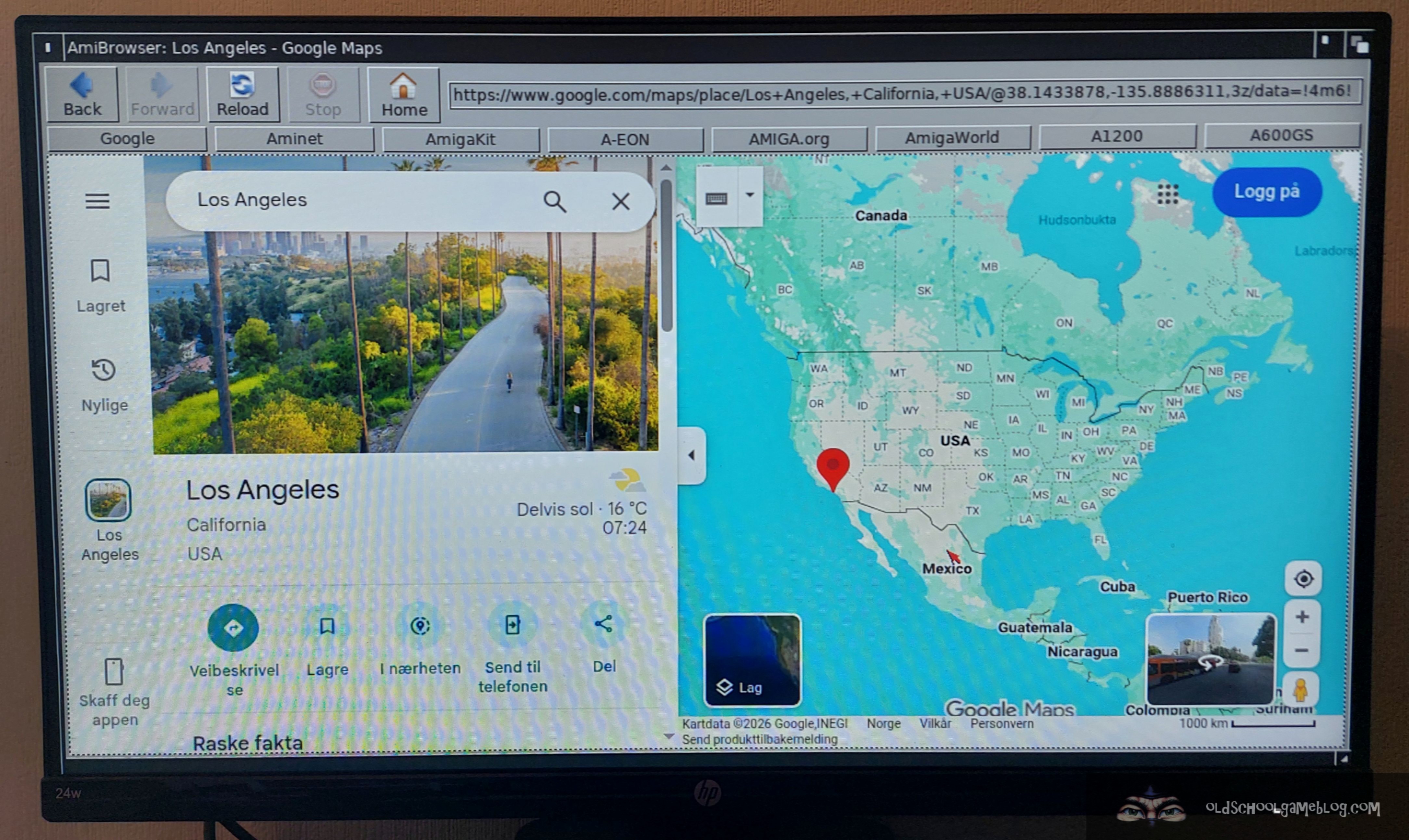
A browser is a big deal for sure, and very important for users to have access to. Best of all, it is fully compatible with modern websites. These include YouTube, Google Maps, Discord, Facebook, and many more! This means you can do most online activities on the A600GS or the A1200NG if you want.
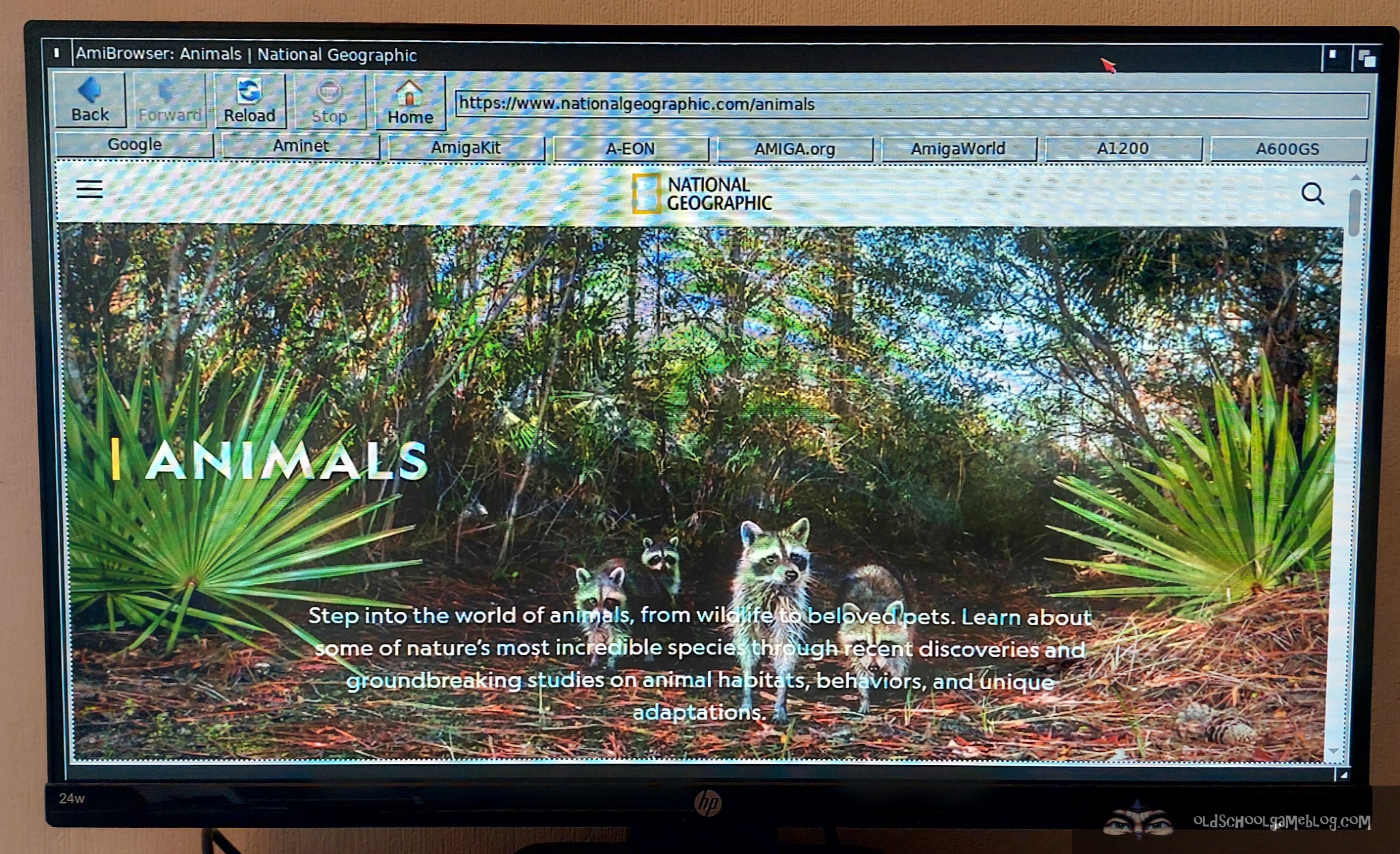
Here are a few examples of AmiBrowser in action. Sorry for artifacts in the photos. 🙂
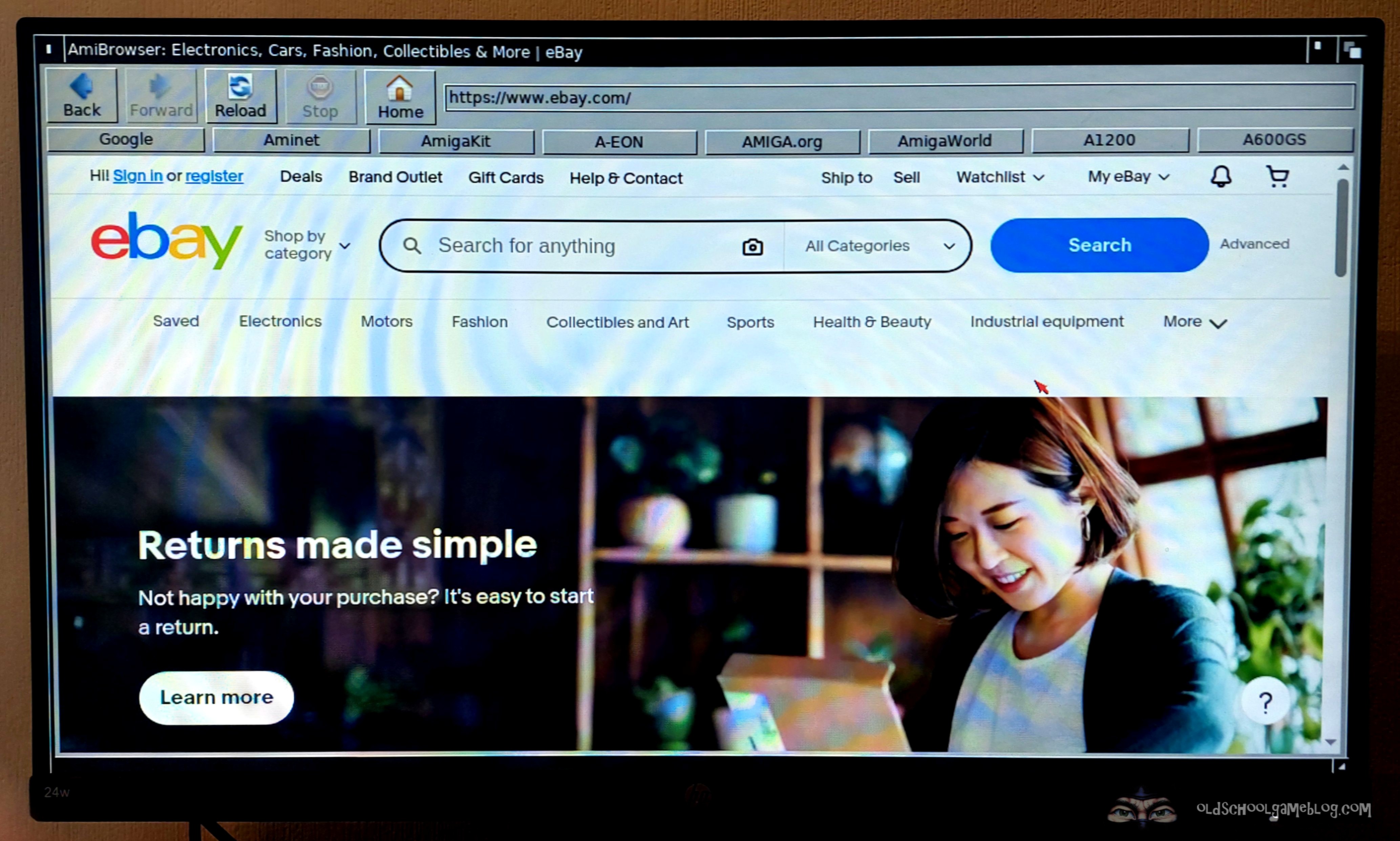
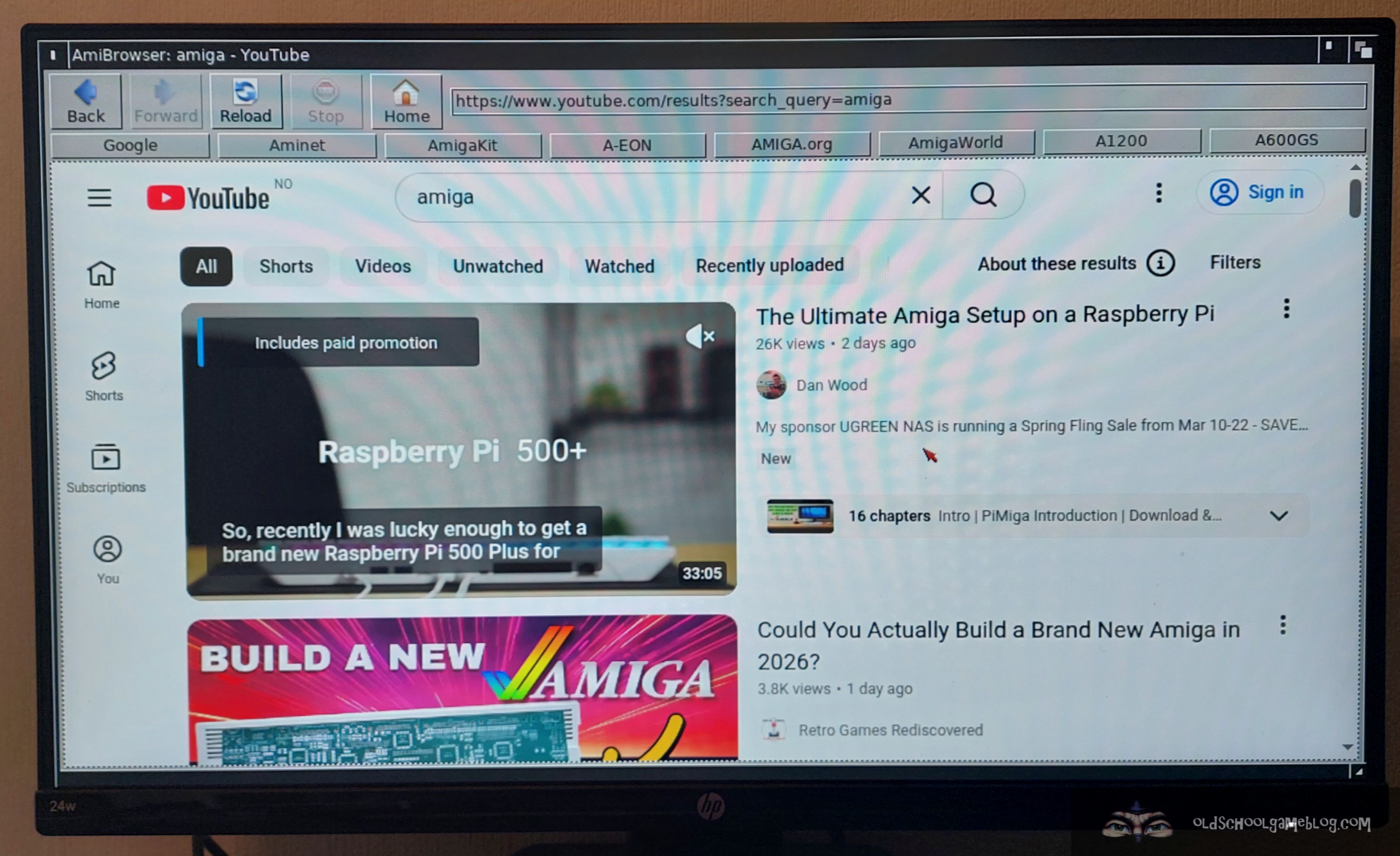
I enjoy using AmigaOS 4 on the A1222 and the Sam440EP, and sometimes I use those computers for the web. I use them mainly if there’s something specific I need from OS4Depot or Aminet. I also use them if I want to check out a discussion forum, for example, but none of the browsers on that platform comes close to AmiBrowser on my A1200NG.
AmiBrowser is fast, compatible, and you can even do serious work with it. This way, AmiBench has expanded its usability a lot!
You can list an item for sale on eBay or shop for Amiga stuff. You can also post on a social media platform like Facebook. For example, share a screenshot of what you are currently doing on your A1200NG. Additionally, you can shop for groceries online. You can do all of this without changing to a different computer, a tablet, or a phone. You can jump straight in and get it done there and then!
It is also very handy if you need to search for Amiga related information online, since all search engines works. The same goes for downloading software from Aminet or other file repositories.
AmiBrowser is working great, but it will be interesting to see what the future holds for it. Maybe AmigaKit will expand it with more functions? Time will show!
ARM MP3-File Library
Many of us enjoy listening to music while using AmiBench. Playing MP3 files is a breeze with the new ARM MP3 library developed by AmigaKit.
This library provides accelerated playback of MPG 1.2 and 2.5 layer I, II, and III encoded audio files. As mentioned previously in thos post, this is an example of a library that takes full advantage of the hardware underneath, channeling it to AmiBench. I’ve used this a lot of times to listen to music, and it makes for a good experience.
With this library you’ve got the PlayMP3 utility to play your music. You can drop songs directly on the icon, and it will start playing, or you can select via a requester.
That said, I find myself using Hippoplayer to listen to good, old 4-channel Amiga mods the most. 😉
Video Playback
Another massive upgrade to AmiBench is the support for playing videos! Yes, you can now watch high definition videos without issues. AmigaKit have included a trailer for the Viva Amiga! documentary with the OS, so that one can have a look at the performance straight away. I have tested the built-in video player with many videos and everything worked as it should. It uses ARM acceleration for efficient video decoding.
ScummVM
The addition of ScummVM has opened up a big, new world of gaming for AmiBench and the A600GS/A1200NG.
With this program, you can play everything from the old King’s Quest and Leisure Suit Larry games from Sierra. You can also play The Curse of Monkey Island and Indiana Jones and the Fate of Atlantis from LucasArts. Plenty of possibilities!
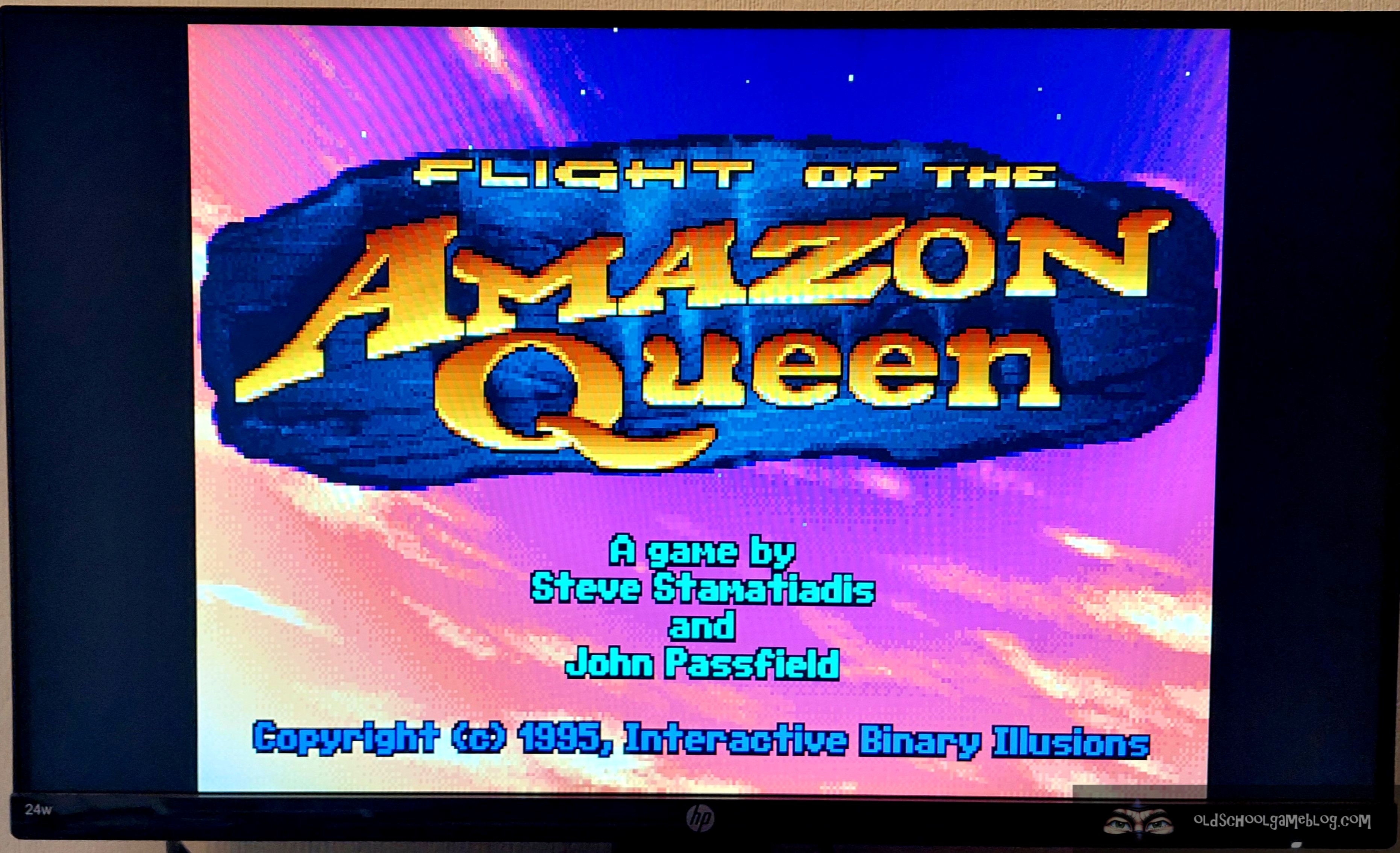
To get a glimpse of the vast amount of games available, please have a look at the compatibility list here:
https://www.scummvm.org/compatibility/
It’s massive to say the least!
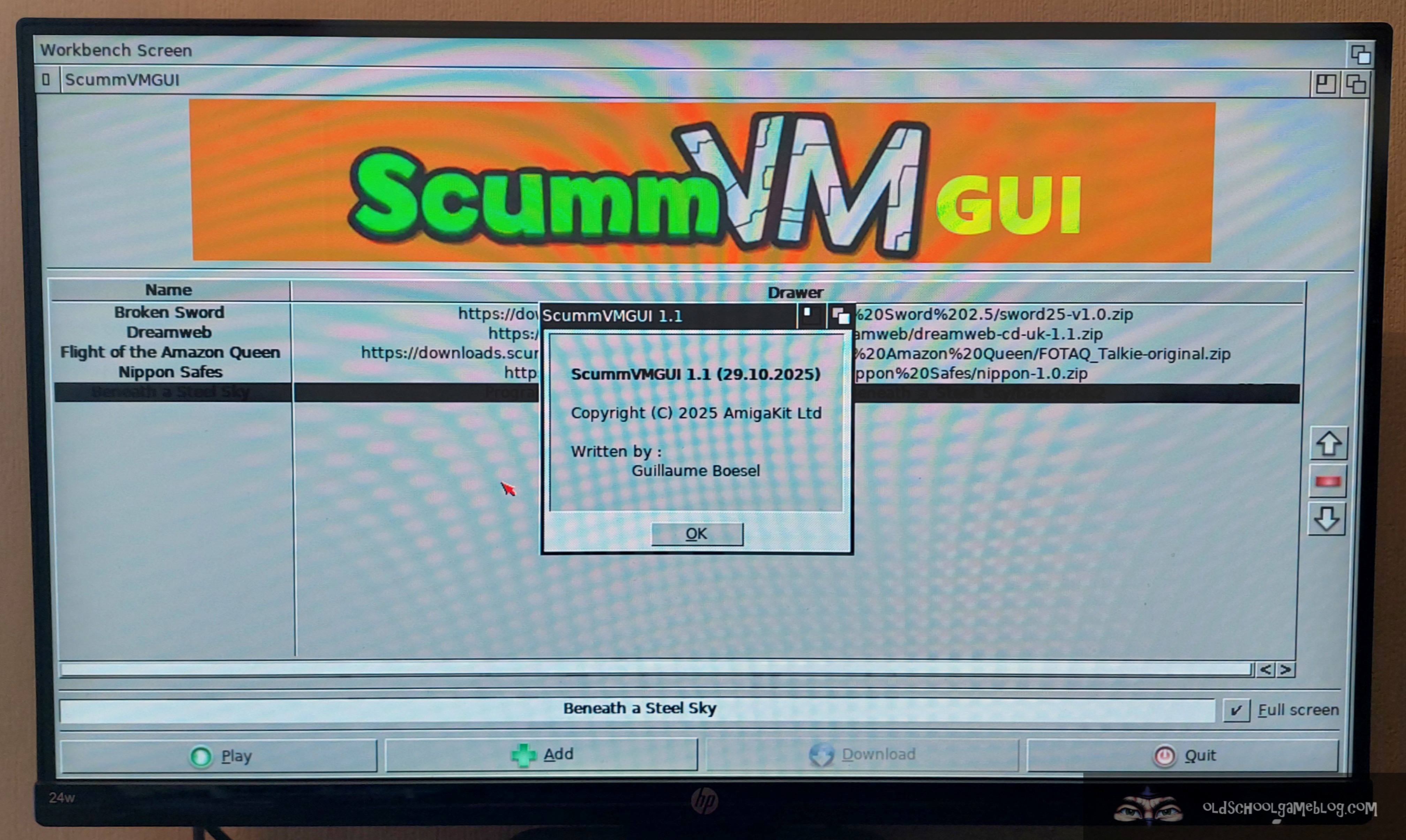
ScummVM is included with AmiBench, and there is a list of titles already present, such as DreamWeb and The Flight of the Amazon Queen.
The games are not installed, but if you select them, and then click on “Download”, they will be downloaded to your system and automatically installed. A great feature which works nice and smoothly. There is also an option there to add your own games.
Other Updates
Apart from what has been mentioned above, there are some smaller enhancements as well.
First example is the system information widget, where you can view CPU and GPU stats directly on the desktop.
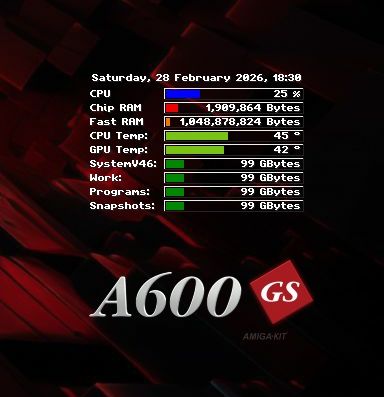
As you can see from the screenshot above, it has quite a lot of interesting system information.
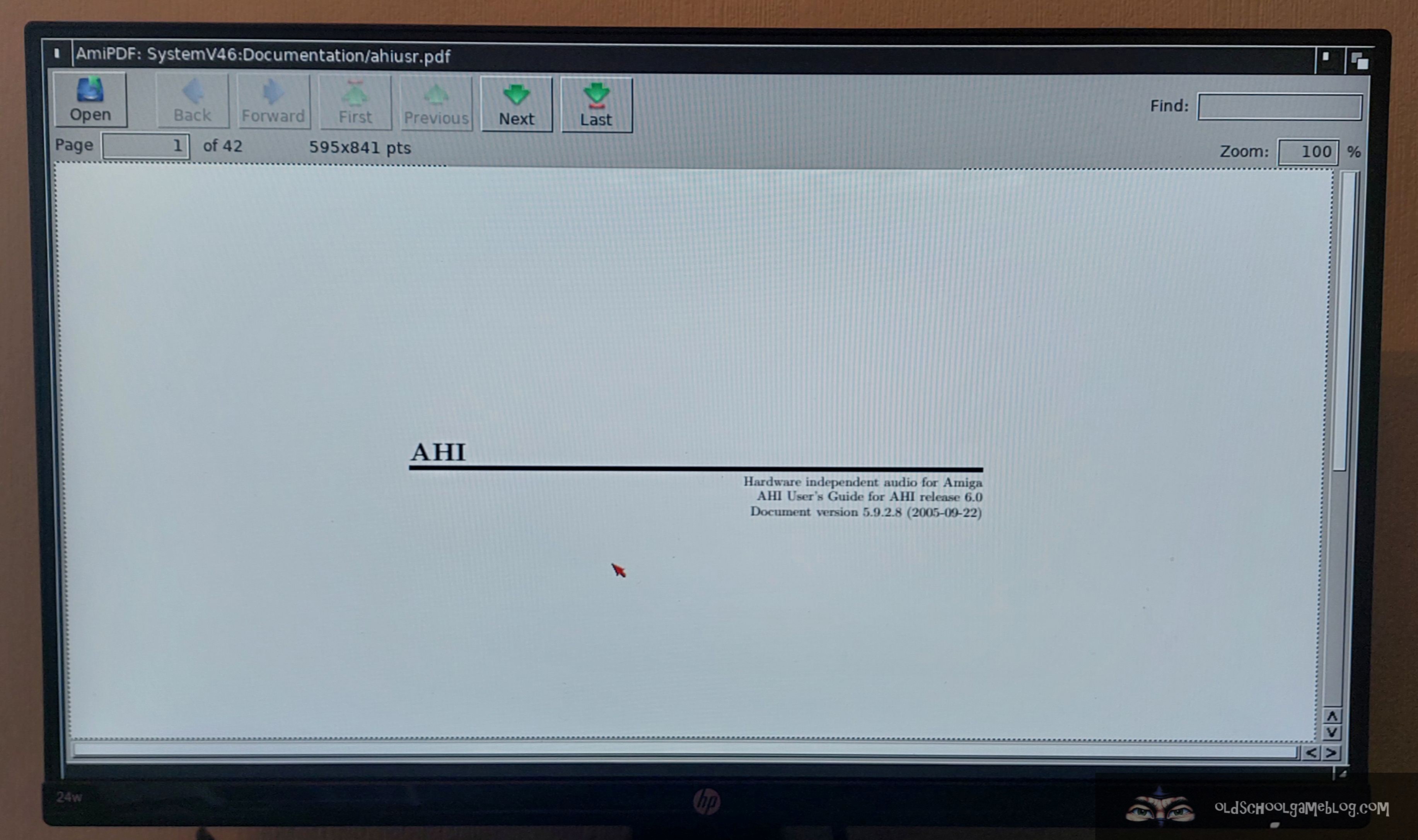
Also, a PDF reader called AmiPDF is now included as standard. Handy to have available, and definitely something that belongs in an OS.
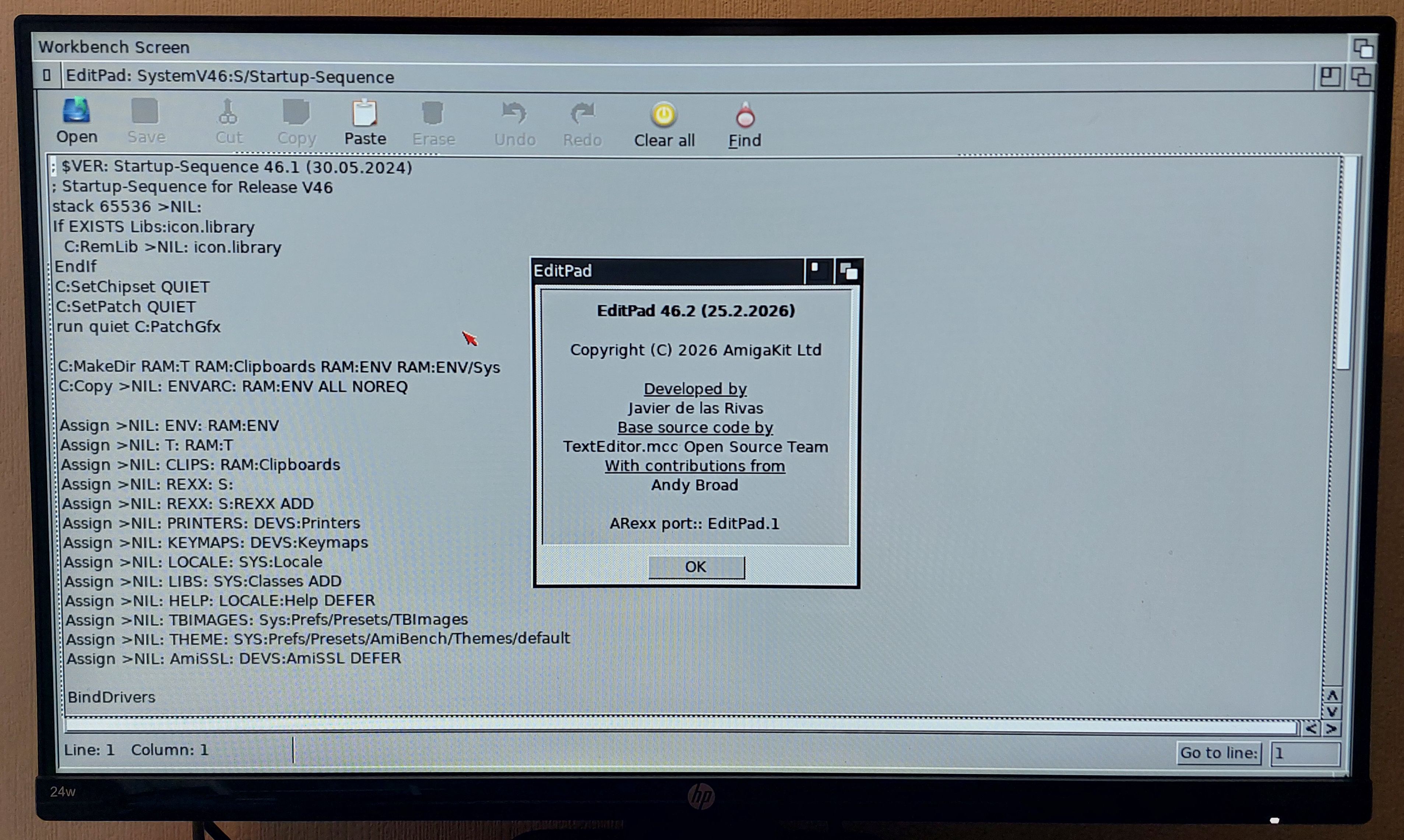
EditPad
This is another tool that has been added to the system.
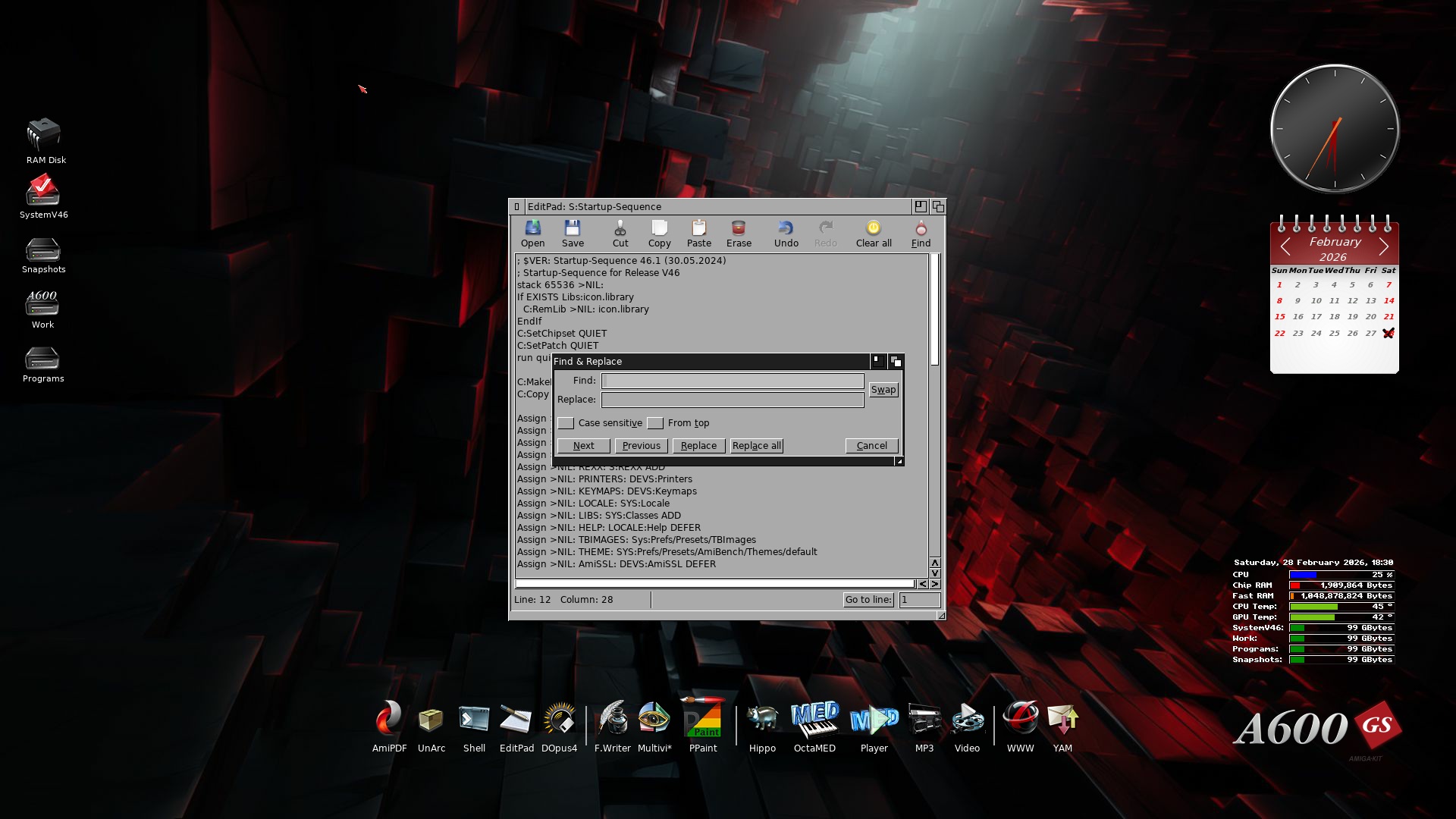
It is a recreation of the original with enhanced features added. A great way to edit files like the Startup Sequence for example.
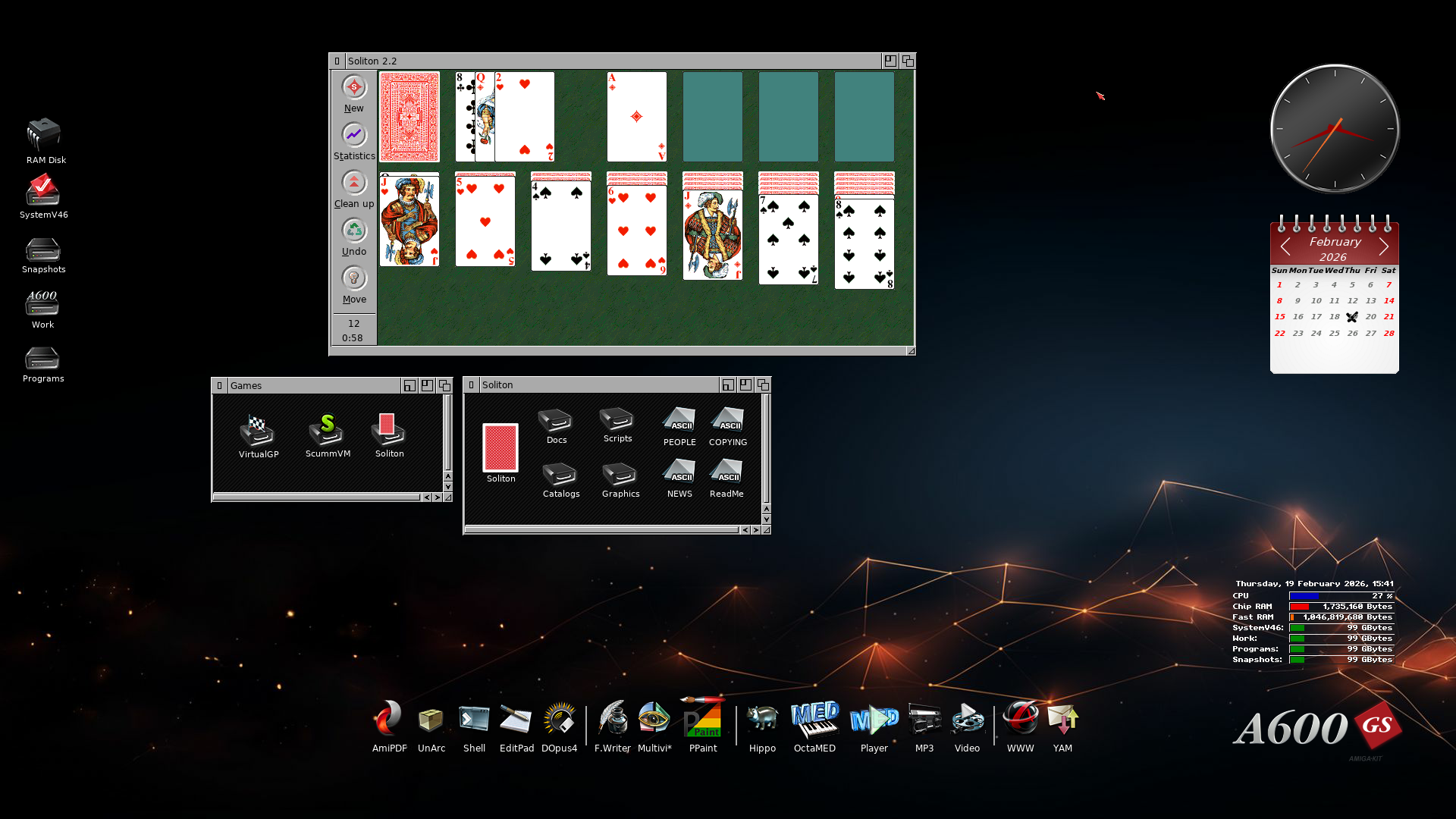
Games
I remember back in the 1990’s when people enjoyed playing Solitaire on their Windows systems. 🙂 Now we have such a game included as standard in AmiBench. Soliton is the name of this game, which provides a solid card playing experience.
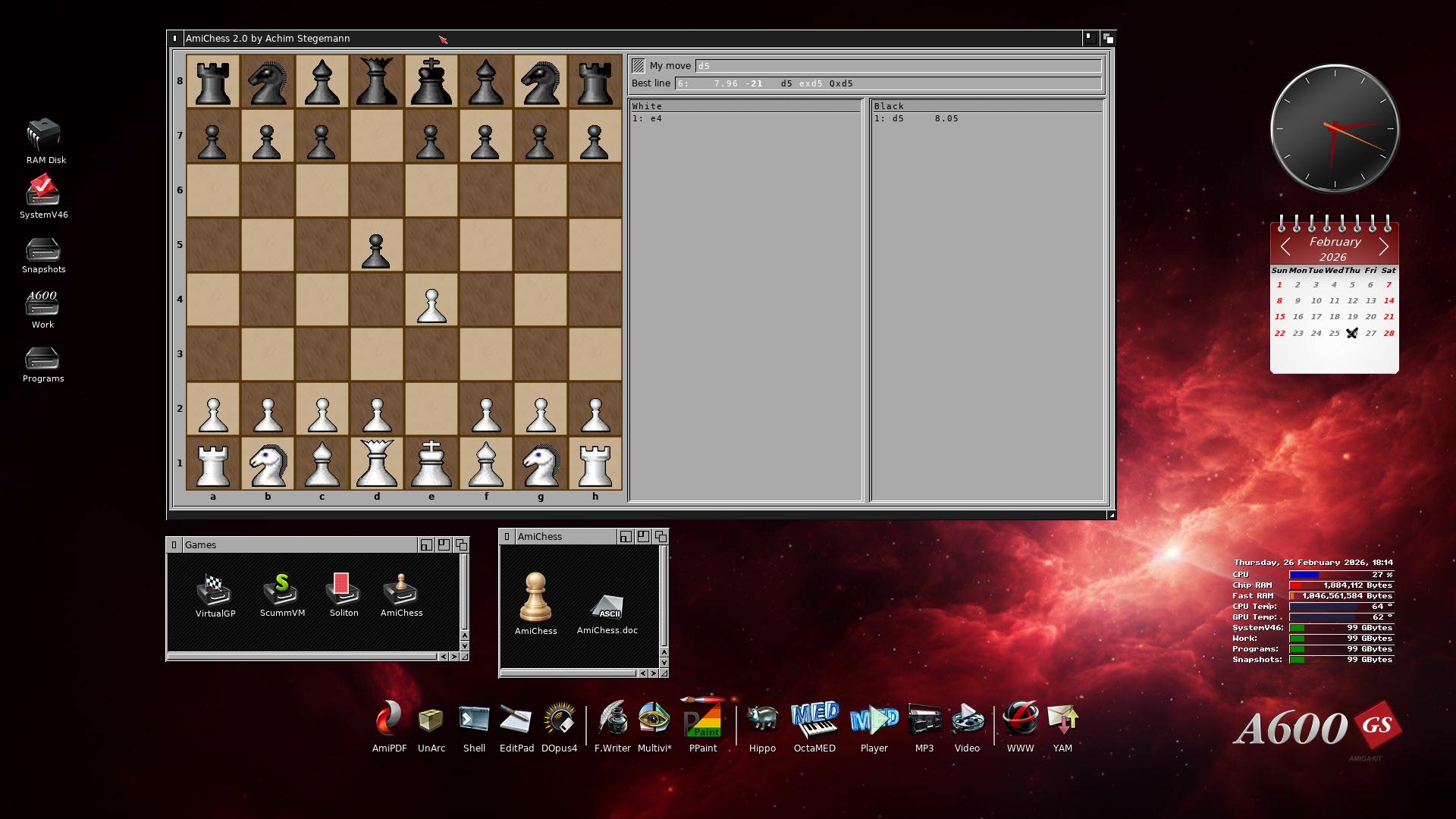
Another game which recently was added is AmiChess. I think it came with AmiBench in the last February 2026 update. It is a fine chess game, and it looks great on the desktop I think.
Now that we’ve had a look at AmiBench, let’s dive into to the A1200NG in general. 🙂
The A1200NG Launcher
When you start up the A1200NG, you’ll be taken to a launcher. Here you’ll see a list of your games, programs and demos, as well as custom systems. I have spent quite some time adding my favorites here.
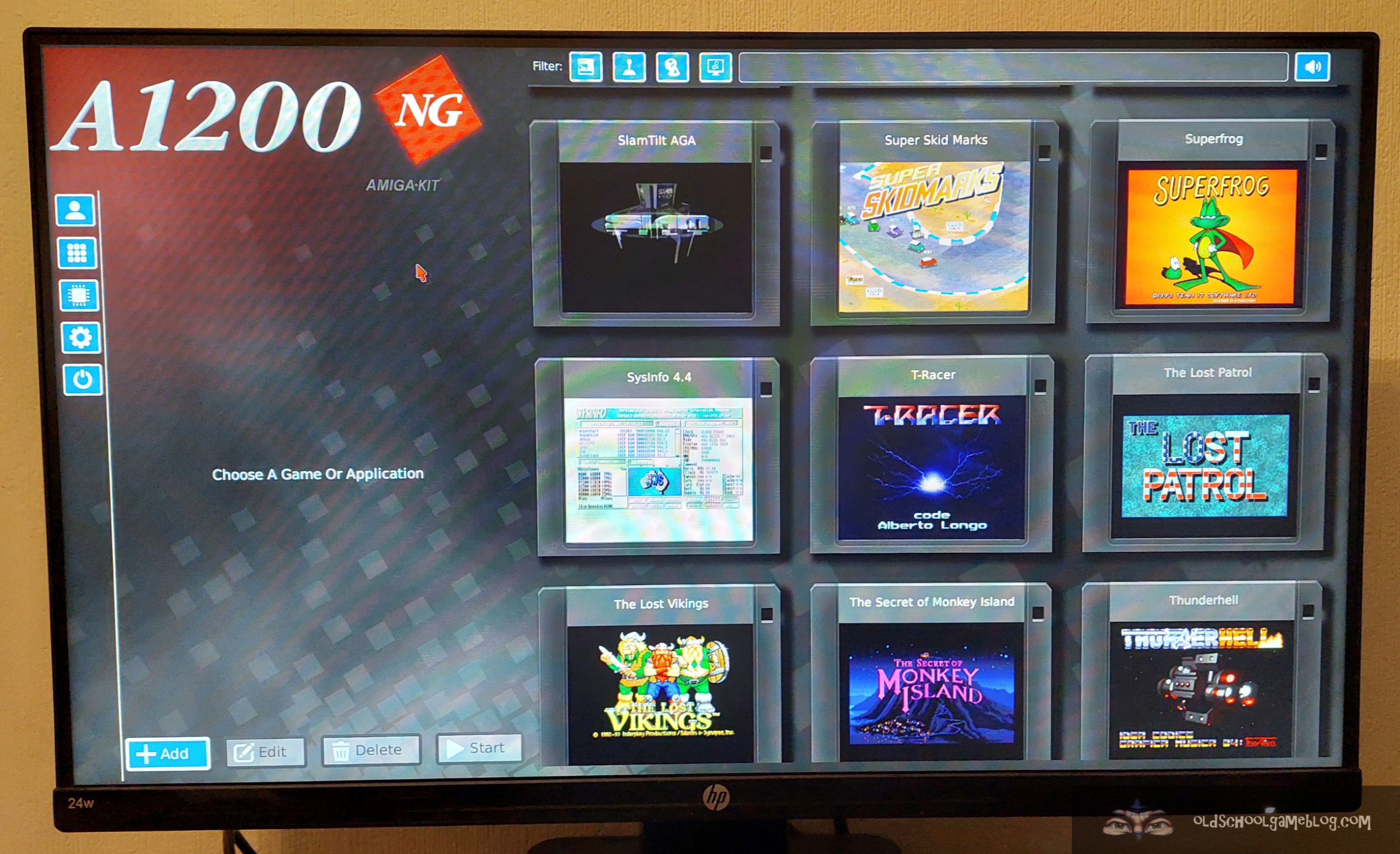
If I want to play around with an Amiga 500, I have a Kickstart 1.3 setup ready to go. Since the A1200NG supports the original floppy drive from the Amiga, I have set it up as a floppy based system. Say I want to use an advanced Amiga 1200 with 68030 and Fast-RAM with Kickstart 3.1, I can launch my setup for that. Or how about a stock Amiga 1200, floppy based?
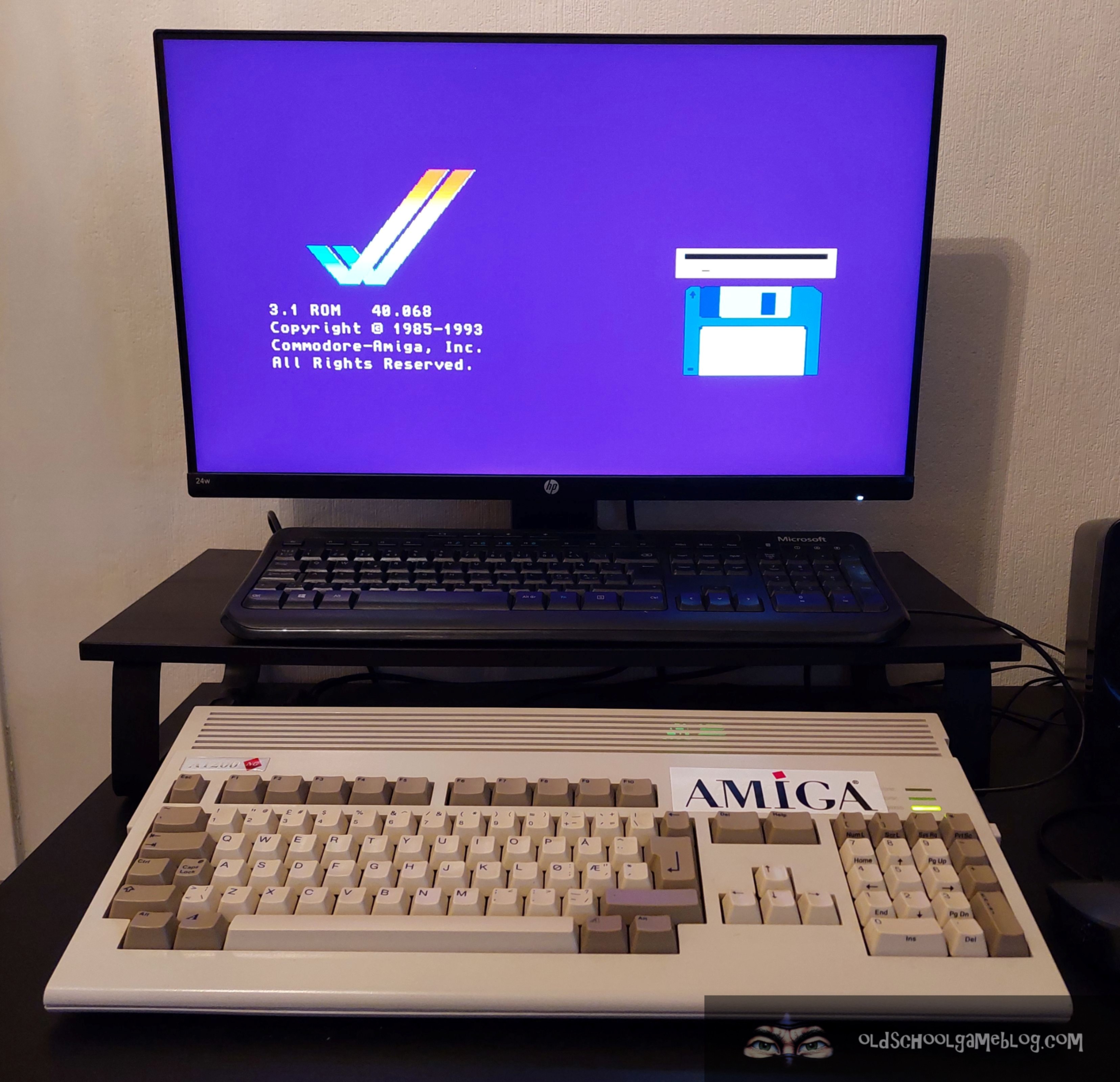
The launcher has been improved with a CPU Boost function, which increases the CPU clock speed. This requires a heatsink and an overclock license to be installed. It does help with speed, so I’m happy I purchased it. When I have it enabled, UFO: Enemy Unknown runs nice and fast during the battle sequences.
Better support for harddisk file creation has also been implemented in the launcher.
With that said, I think it is time to go in for landing here. 😉
Until Next Time
As you can see from above, there has been a lot happening on this platform during the last months. I wonder what is in store for us in the coming updates!
Now, if you are interested in learning more about the A600GS and A1200NG, or if you want to purchase a system, here are some helpful links:
- A600GS – AmigaKit Store Link
- A1200NG – AmigaKit Store Link
- The official website of A600GS
- The official website of A1200NG
- Amiga.org Wiki – Contains a lot of information on these systems and AmiBench
Thanks for reading, and see you in another post here on the Old School Game Blog! 🙂
Best regards,
Puni / AmigaOldskooler
 Old School Game Blog
Nice blog, thanks!
Rather than taking photos of the AmiBench screen you can use the PAUSE menu and “Save Screen Shot To Storage” you will thrn find your screen shot in the snapshots: volume , copy off to USB or use directly in AmiBrowser….
LikeLiked by 1 person
Hello, and thanks for commenting! That is a great suggestion! Will definitely do this for the next one. Maybe I will exchange some of those in this post for better ones. 🙂 Have a good evening!
LikeLike
Hello,
Nice publication report and I’m very surprised to have managed to contact the company “AmigaKit” and receive this Amiga 1200NG.
I had ordered a ROM switcher (~€30) in October 2025 to install on my Amiga 2000. And I haven’t heard anything despite sending follow-up emails to the addresses listed below.
technical@amigakit.com
sales@amigakit.com
support@amigakit.com
sales@amigakit.fr
privacy@amigakit.com
Regards,
Stef L.
LikeLike
Hi, and thanks for your comment! Sorry to hear you have not heard anything back. I recommend you contact them on Amiga.org, the discussion forum. They post frequently there. Hope this helps! Cheers!
LikeLike
Great Blog’s .. Could you do a blog on setting up a OS 3.2.2 Workbench on this system,its a must that i need to see this running before i invest any cash into this Nice Project.
regards
Genloc
LikeLike
Hi, and thanks for commenting! It is a good idea for sure. I recently made a new “system” on the A1200NG for exactly this OS, but I don’t know when or if I will do a tutorial. In the meantime, there is a video on YouTube showing installation of AmigaOS 3.2 on the A1200NG – although it is from 2025, it shows how one can do this: https://www.youtube.com/watch?v=x5FIe7AybWs —- Hope this helps! 🙂
LikeLike