
Hi,
Hope all is well. Thanks for visiting my blog. 🙂
Some of you might remember I was having problems with my Sam440ep recently. Well, I did eventually get it up and running. I got the fan, but lacked a cable to mount it, so tried a different DVI-adapter and the computer suddenly started displaying higher resolutions and seemed to be in order again! Good news right?
Well, unfortunately not, because I ran an old AmigaOne demo and the computer crashed in the middle of it. Everything froze, so decided to turn the computer on and off again, but now it refused to display anything, whether through OSSC, direct VGA, you name it. Completely out of business. 😦 I guess the graphics chip made one final stand to run the demo and collapsed in the middle of it. The only solution now is to try to use the machine with an old PCI graphics card, but sadly I don’t have access to such. Time will show what I’ll do with it, but I must admit to being pretty sad afterwards.
Now, I also have a Mac Mini G4 here which I’ve ran MorphOS on, so decided to hook up that to take the place of the Sam. If you are not familiar with MorphOS, it is similar to AmigaOS 4 in that it runs on PowerPC and is a further development of the classic Amiga platform. The Mac Mini now uses the same screen, speakers, etc. as the Sam.
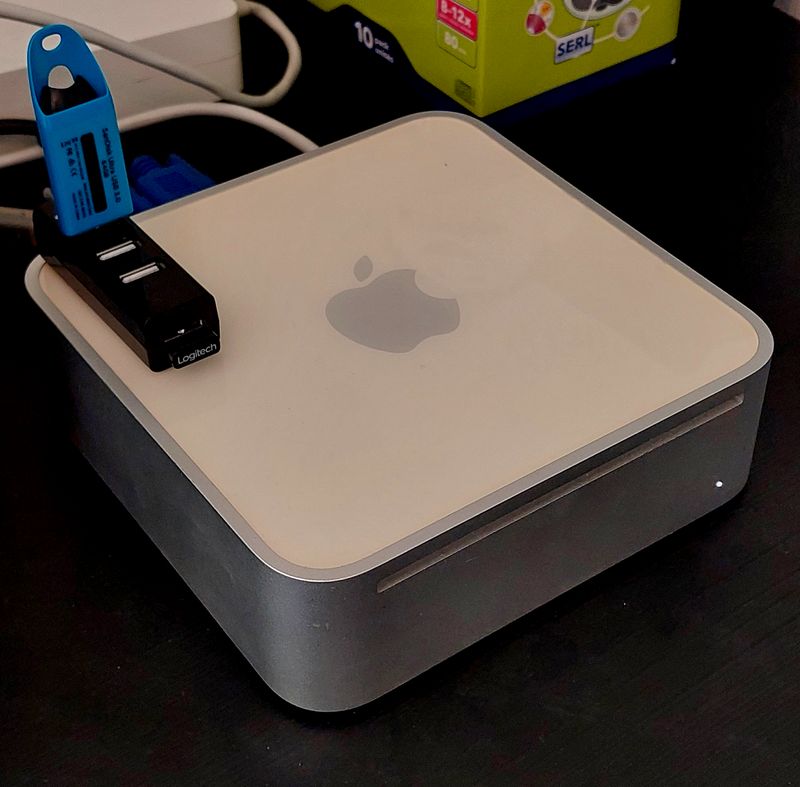
The specs of the computer is as follows:
1.42 GHZ G4
1 GB DDR-RAM
256 GB MSATA HD
Integrated wireless network card
As you can see, it is quite a fast machine for a next-gen Amiga system, much speedier than the Sam440ep with 667 MHZ and 512 MB RAM.
MorphOS flies on it, and it boots in no-time, the bootscreen disappears almost before I manage to look at it, and the desktop appears.
Back to the story. It was a while since I’ve last used MorphOS, so I must admit to being a bit surprised about all the new software that was available, as well as a new version of the OS! The latest version, 3.20, came out in May 2026, so pretty fresh! You can check it out here if you are interested:
Got this installed by burning it to a CD. Started up the computer by holding the “C” key in, and it booted from CD. There I could select “Update” instead of “Install”, which meant that I could keep the system as it was already set up, only with a newer and better version. Update went fine, rebooted, and MorphOS 3.20 was ready for action!
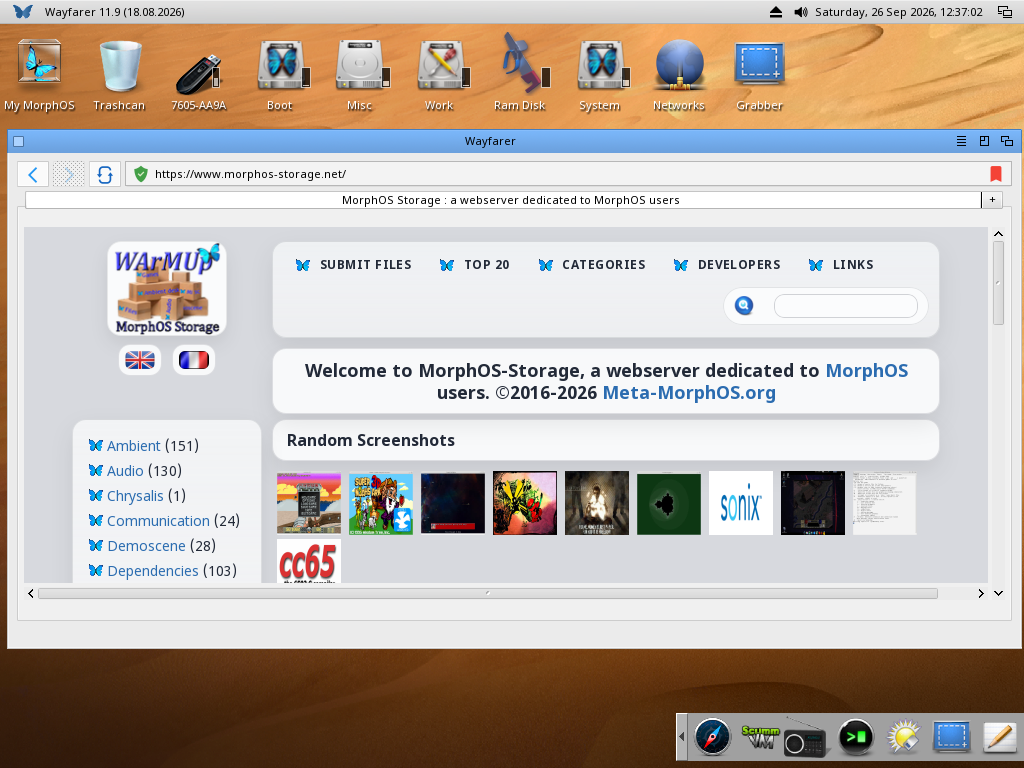
Above you can see the modern webbrowser Wayfarer running on the desktop. 🙂 Works great!
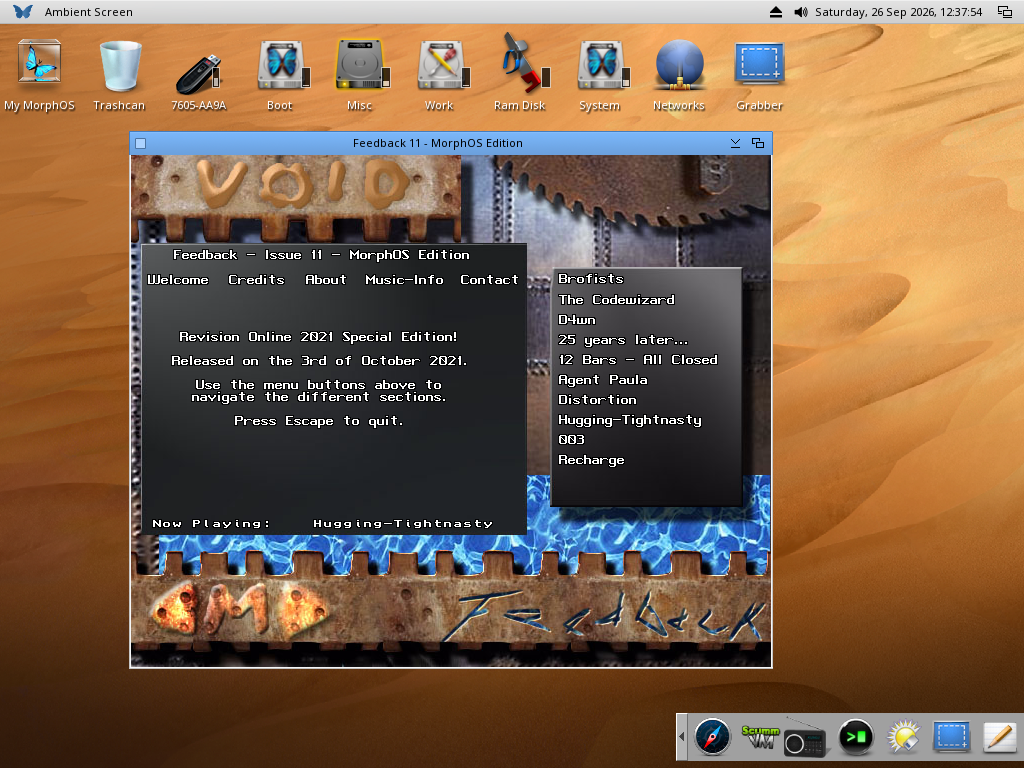
Here you can see Feedback issue 11 from Void running as well.
If you look closely, you might see that I’m using AmigaOS 4 icons. 😉
So, have had fun checking out the ton of stuff that is available on MorphOS Storage. Plenty of games, tools, and so forth. Doom 64 and QuakeSpasm runs nice and smooth, so played those a bit. Looking forward to test more!
That was all for now, thanks for reading, and I wish you a good weekend! Hopefully I can bring you some good news on the Sam and AmigaOS 4 front before Christmas, but I need to secure a PCI graphics card first. Time will show what I can find. 🙂
See you in another post here on Old School Game Blog!
Best regards,
Puni / AmigaOldskooler

